
Some issues with the scale can be resolved by updating the firmware to the latest version. If you experience any of the following issues, try updating the firmware first as part of the troubleshooting process.
If the issue is still not resolved, please contact the BOOKOO Support Team.
1. Automatic Shutdown Without Animation
The scale turns off abruptly (black screen) without showing the shutdown animation.
Possible Cause: Older firmware version (e.g., 1.0.8) contains a bug that triggers this behavior.
Solution:
Update your scale to the latest firmware version 1.2.0 via the BOOKOO N App.
If the issue continues after updating, contact support and attach a photo or video to help us investigate further.
2. Timer Does Not Start During Extraction
When starting espresso extraction, the timer does not activate.
Possible Causes:
The scale firmware is outdated.
The scale is not calibrated (negative weight readings prevent the timer from starting).
Solution:
Ensure the scale is calibrated (refer to Weight Calibration Guide for detailed steps).
Update the firmware using the BOOKOO N App.
3. Bluetooth Connection Issues
The scale does not appear in the BOOKOO N App search list.
The scale fails to connect to the App.
Possible Causes:
Outdated firmware or App version.
Bluetooth permissions not granted on the phone.
Solution:
Check the App version
If you are using the legacy BOOKOO App: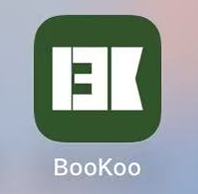
Old version icon please download and use the latest BOOKOO N App. Click here for download guidance.
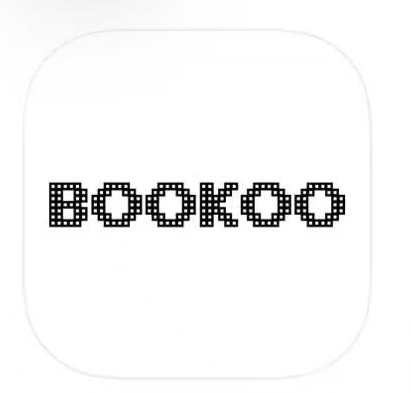
New version icon Check the scale status
If the scale does not appear or fails to connect in the BOOKOO N App:Make sure the scale is powered on.
Check the indicator light on the scale:
Blue light on → the scale is already connected to another device.
Restart the scale to disconnect it, then try again.
Search and connect only within the App
When searching for the scale, do not connect through your phone’s system Bluetooth settings.
All device searching and pairing must be done inside the BOOKOO N App.Contact support if the issue persists
If the scale still does not appear after following the steps above, please contact our support team for further assistance.
4. Flow and Weight Readings Are Unstable or Not Synced
The scale readings fluctuate, show incorrect values, or do not match the App.
Possible Causes:
Scale firmware or App is outdated.
Scale was touched or moved during extraction (even slight contact affects readings).
Solution:
Update the firmware to the latest version.
Ensure you are using the latest BOOKOO N App (or try BeanConqueror App for alternative stability).
Avoid touching the scale during extraction.
5. Device-Specific Features Not Working
Certain functions like coffee machine connection or display features do not work.
Possible Causes:
Older firmware may not support specific features (e.g., Decent or Gaggiuino coffee machines).
Solution:
Update the firmware via the App as instructed.
Follow the specific instructions for connecting to compatible coffee machines after updating.
General Firmware Update Tips
Place the scale on a level and stable surface before updating.
Ensure the BOOKOO N App is the latest version (iOS or Android). Click here for download guidance.
Android users: enable location services to allow firmware updates.
Restart the scale after updating firmware and check if the issue is resolved.
If problems persist, contact support with your device model, order number, and any photos/videos to help diagnose the issue.
To update your firmware or download the BOOKOO N App, please refer to:
How Do I Download and Install the BOOKOO N App?
How Do I Update My BOOKOO Device Firmware?