
Why calibrate your Themis Mini Scale?
Proper calibration ensures accurate weight measurements and reliable coffee extraction results. Calibration may be necessary after first-time use, after firmware updates, or if you notice drifting weight readings.
Before calibration
Place the scale on a level and stable surface.
Ensure there are no drafts from fans or air conditioners.
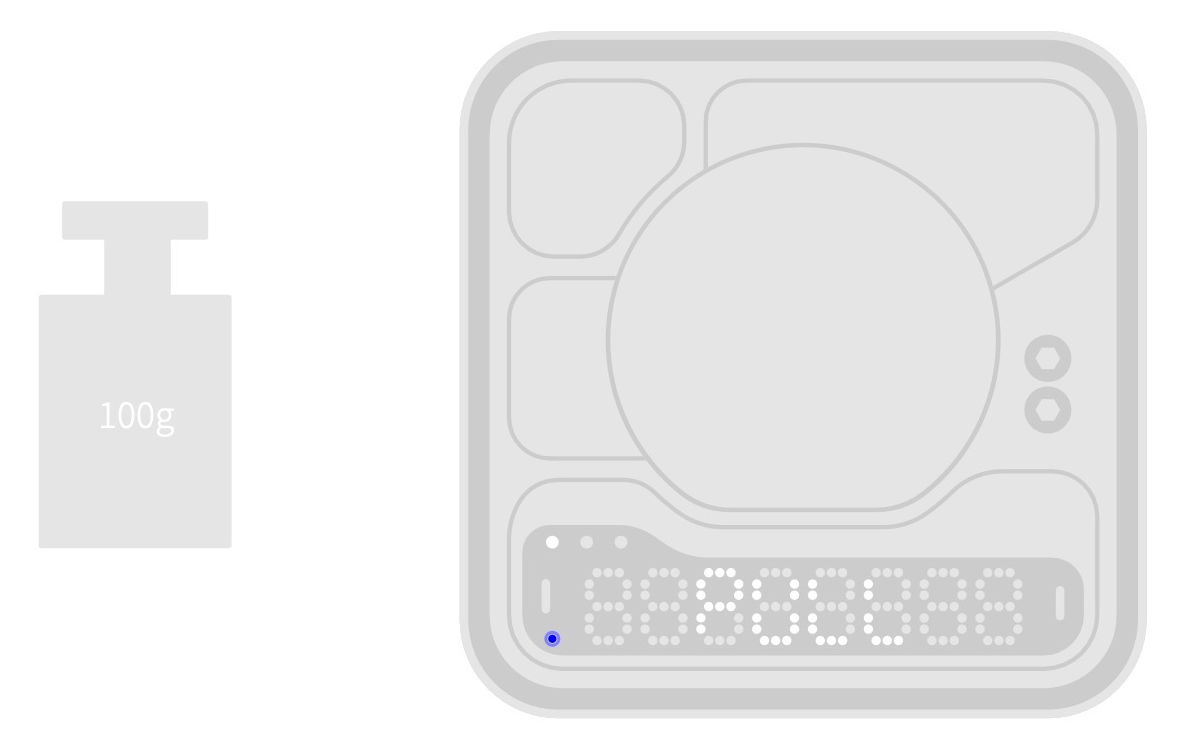
Prepare F1 class 100 g weight compliant with JJG99-2006 for accurate calibration.
How to enter calibration mode
Before starting, make sure the scale is in Flow Rate Mode (with one white LED on). Then you can access calibration mode in two ways:
1. Directly on the scale: Quickly press the right button 8 times.
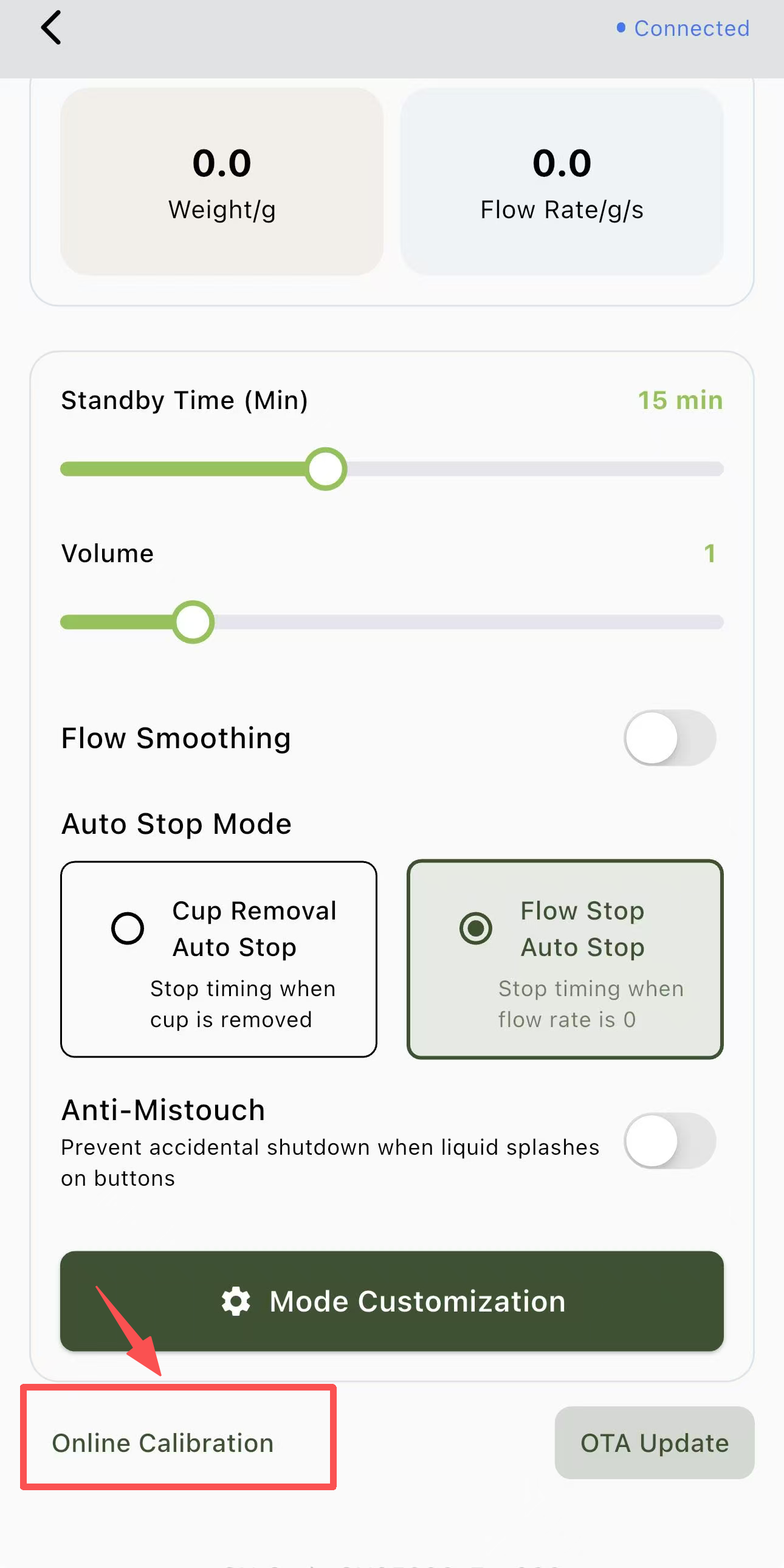
2. Via the BOOKOO N App: While the scale is in Flow Rate Mode, open the scale’s settings page in the app and select Online Calibration.
Calibration procedure
Enter calibration mode. The screen will display ‘PULL’.
Place a 100 g calibration weight on the scale.
It is recommended to use an F1 class 100 g weight compliant with JJG99‑2006 to prevent reading errors.
When the scale displays PASS or DONE (depending on the product batch), calibration is complete.
Note: On some units, the PASS/DONE animation may appear very quickly and can be difficult to notice. If the scale consistently reads 100 g after calibration, the process has been successfully completed.
Additional notes:
The scale comes factory-calibrated, but recalibration ensures continued accuracy over time.
After calibration, your Themis Mini Scale should display stable and correct weight readings.
If drifting readings persist, please refer to this article: Why does the Themis Mini Scale show drifting or unstable weight readings?