
You can check the battery status via the LED indicator on the device or through the BOOKOO N App:
1. Via the LED Indicator
When the battery level drops below 10%, the LED indicator will turn solid red, indicating that the device needs to be charged.
2. Via the BOOKOO N App
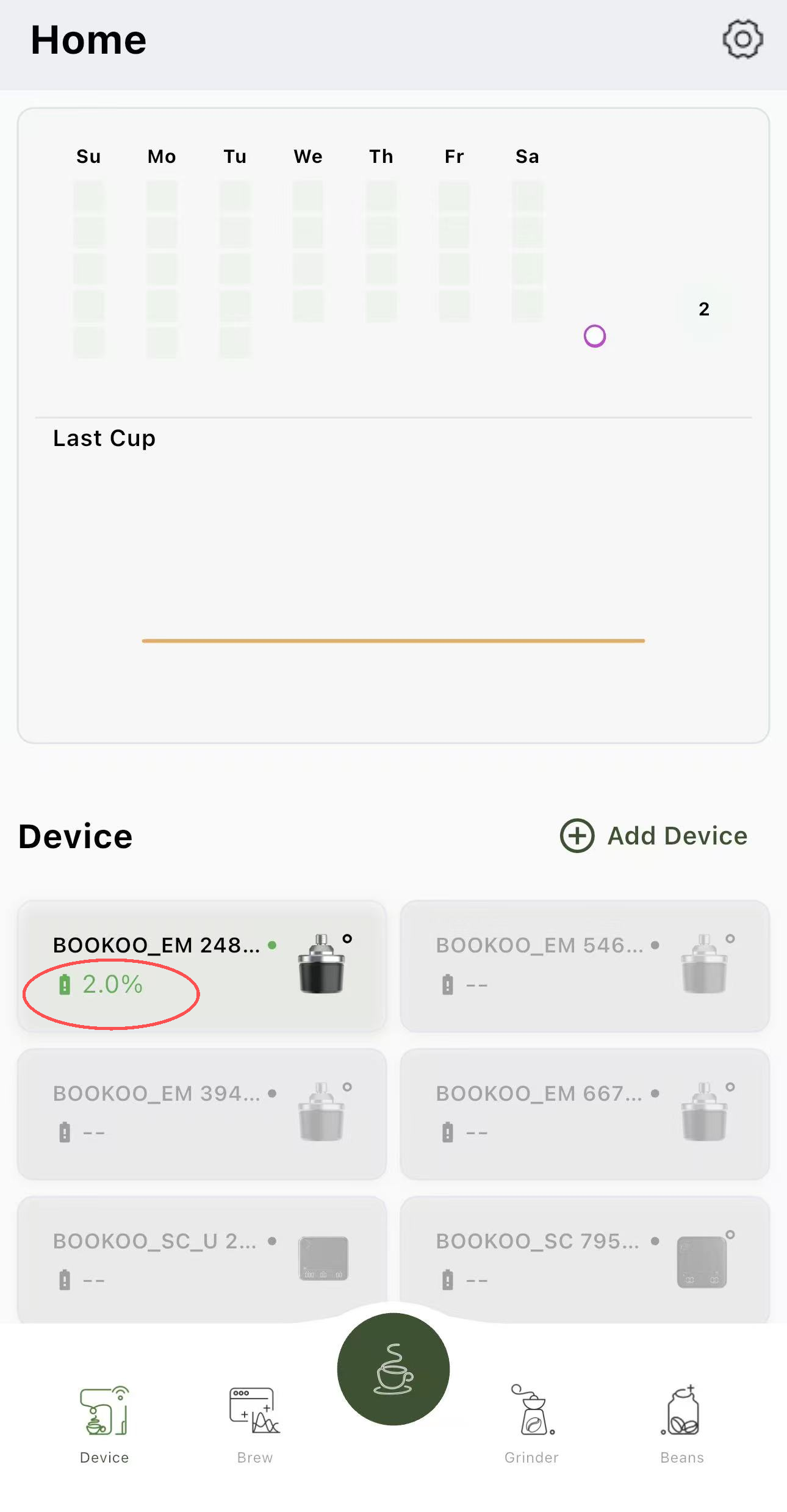
When the EM is connected to the BOOKOO N App, you can view the exact battery percentage on the homepage dashboard, allowing you to monitor the remaining power in real time.
3. If the Device Cannot Connect
If the EM cannot be detected in the BOOKOO N App or fails to connect, the battery may be depleted.
Please charge the EM for 1–2 hours, then try reconnecting it to the App. If the device still cannot be detected after charging, please contact after-sales support for further assistance.