
Absolutely! We regularly release DFU (Device Firmware Update) to keep your EM's sensors sharp and add new features. You can easily update the latest version via the BOOKOO N App.
How to Check and Update
You can trigger a DFU from two convenient spots in the app:
Via Settings: Head to [Settings] → [Version Settings] → [EM Firmware Version]. If you see a red notification, a fresh update is waiting for you!
Via Device Page: Go to your EM Device Details and tap “OTA Update” at the bottom to grab the latest version instantly.
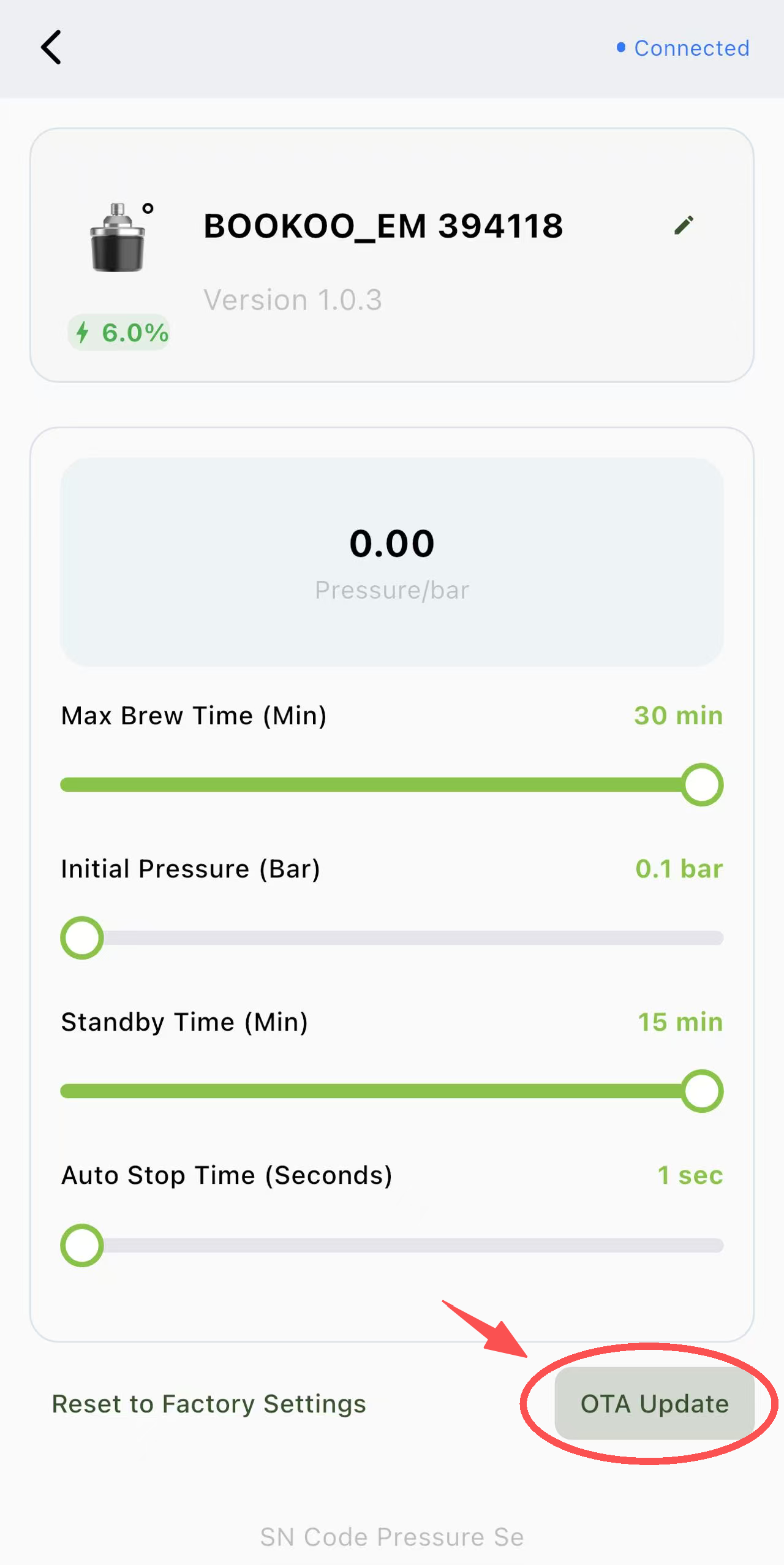 |  |
|---|
Quick Pro-Tips
Stay Close: Keep your phone near the EM during the update to avoid any sync hiccups.
Red Dot = New Features: That little red icon is your signal that your EM is ready for an upgrade.